---
title: "How to Extend Top Bar"
slug: "how-to-extend-top-bar"
updated: 2022-06-17T02:48:37Z
published: 2022-06-17T02:48:37Z
canonical: "developer.comm100.com/how-to-extend-top-bar"
---
> ## Documentation Index
> Fetch the complete documentation index at: https://developer.comm100.com/llms.txt
> Use this file to discover all available pages before exploring further.
# How to Extend Top Bar
## Introduction
This article introduces how to develop an app to extend top bar in the Agent Console.
We will show you how to add an icon button in the Agent Console in this example. You can also use [Server API(Restful)](/docs/server-api-reference) and [App API(JavaScript)](/docs/app-api-reference) to implement more complex logic based on your own requirements.
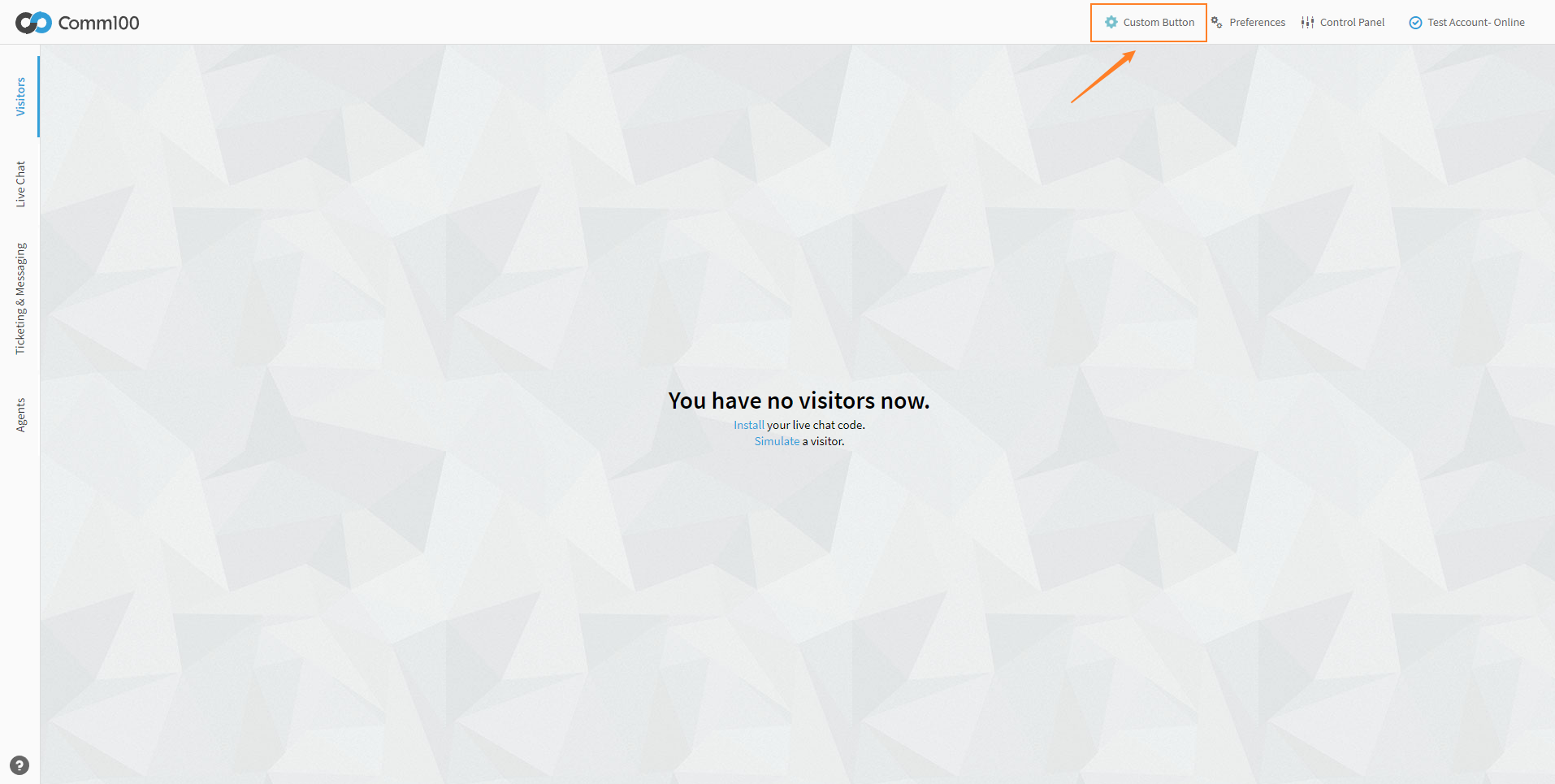
After completing all steps, you can see an icon button in the top bar in the Agent Console, as follows:
## Prerequisites
Read [Developing An App](/docs/guides-app-developing-an-app) for setting up a testing environment.
## Steps
1. [Configuring the manifest file](/docs/how-to-extend-top-bar#configuring-the-manifest-file)
2. [Modifying the index.html](/docs/how-to-extend-top-bar#modifying-the-indexhtml)
3. [Testing App](/docs/how-to-extend-top-bar#testing-app)
### Configuring the manifest file
Configure manifest as follows.
```
{
"manifestVersion": "2.0",
"agentConsole": {
"widgets": {
"topBar": {
"id": "custom-button",
"url": "./index.html",
"label": "Custom Button",
"icon": "./icon.png"
}
}
}
}
```
**Properties**
| Name | Type | Required | Description |
| --- | --- | --- | --- |
| id | string | yes | It as the identity of widget. |
| url | string | yes | The address of resource, which will be displayed in iframe, can be relative or absolute. |
| icon | string | no | The address of image resource. |
| label | string | no | It is displayed in the button. |
| tooltip | string | no | It is displayed in the tooltip |
### Modifying the index.html
Copy the following code to index.html
```
Hello App
```
### Testing App
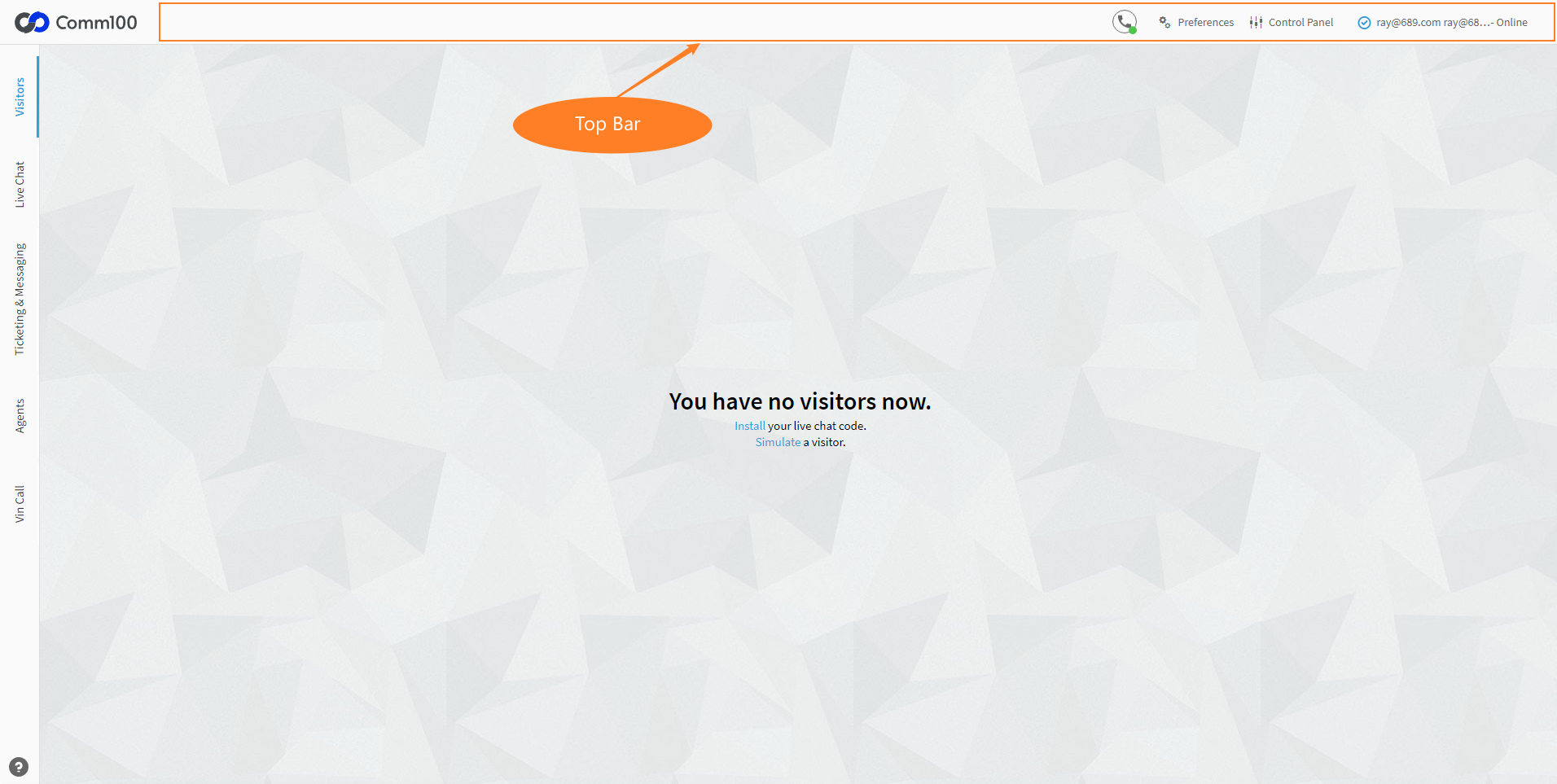
Follow this [guide](/docs/guides-app-create-your-own-apps), log in to Agent Console, you can find an icon button in top bar: